
AI Directory : AI Audio Enhancer, AI Call Center, AI Noise Cancellation, AI Sales, AI Voice Changer, AI Voice Enhancer
What is Utell AI?
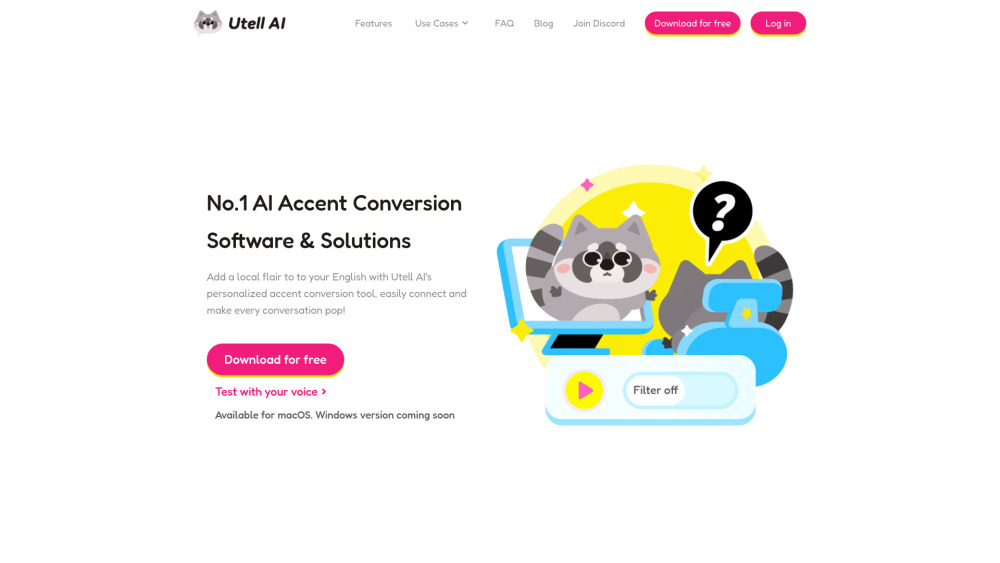
Utell AI is an AI-powered software and solution designed for real-time accent conversion. It offers features like accent filtering, accent softening, accent neutralization, and accent changing to make global communication easier. It aims to add a local flair to English speech, improve voice quality, and reduce noise while preserving the unique qualities of a speaker's voice, including rhythm and intonation. Utell AI is suitable for various communication scenarios, including online meetings, call centers, sales interactions, and live streaming.
How to use Utell AI?
Utell AI is currently in its pre-launch stage. Users can request an early experience by clicking the 'Request Demo' button. For daily communication, it works on platforms like Zoom, Meet, and Teams. The process involves three steps: Recording, Converting, and then experiencing the filtered voice. During the trial, users can select an accent (currently Indian accent is supported) and a voice.
Utell AI's Core Features
Real-time accent filter (latency less than 100 ms)
Noise reduction (filters background noises)
Improve voice quality
Preserve unique voice qualities (rhythm and intonation)
Utell AI's Use Cases
Meeting (Education): Presentations, interviews, and conferences
Meeting (Business): International meetings and calls
Call Center: Customer service, marketing, and technical support
Sales: Enhancing customer interactions, resolving issues, providing information, closing sales
Gaming voice chat
Content creation for diverse audiences or social media voice filter
Pronunciation improvement AI or speech practice software
FAQ from Utell AI
How to use Utell?
Does Utell work with...?
What languages and accents do you support?
Is it okay to use Utell even if my English pronunciation is poor?
Utell AI Support Email & Customer service contact & Refund contact etc.
More Contact, visit the contact us page()
Utell AI Company
Utell AI Company name: Utell AI .
Utell AI Company address: .
More about Utell AI, Please visit the about us page().
Utell AI Login
Utell AI Login Link: https://utell.ai/login
Utell AI Sign up
Utell AI Youtube
Utell AI Youtube Link: https://www.youtube.com/@UtellAI
FAQ from Utell AI
What is Utell AI?
Utell AI is an AI-powered software and solution designed for real-time accent conversion. It offers features like accent filtering, accent softening, accent neutralization, and accent changing to make global communication easier. It aims to add a local flair to English speech, improve voice quality, and reduce noise while preserving the unique qualities of a speaker's voice, including rhythm and intonation. Utell AI is suitable for various communication scenarios, including online meetings, call centers, sales interactions, and live streaming.
How to use Utell AI?
Utell AI is currently in its pre-launch stage. Users can request an early experience by clicking the 'Request Demo' button. For daily communication, it works on platforms like Zoom, Meet, and Teams. The process involves three steps: Recording, Converting, and then experiencing the filtered voice. During the trial, users can select an accent (currently Indian accent is supported) and a voice.
How to use Utell?
Utell is currently in the pre-launch stage. You can request an early experience by clicking the 'Request Demo' button located in the top right corner.
Does Utell work with...?
Utell can be used for various online chatting and virtual meeting scenarios, including meetings in education (presentations, interviews, conferences), business meetings for cross-culture communication, call centers or customer support, sales interactions, gaming voice chat, content creation, and pronunciation improvement.
What languages and accents do you support?
We currently support the English language and expect to offer more languages soon. For English accents, we support Chinese, Japanese, Indian, and other languages.
Is it okay to use Utell even if my English pronunciation is poor?
We believe there is no 'poor pronunciation'. It's vitally important for users to retain their native accents. With Utell, users can speak naturally, and Utell will modulate your accents for clarity.