
AI Directory : AI Video Editor, Captions or Subtitle
What is TinyStudio?
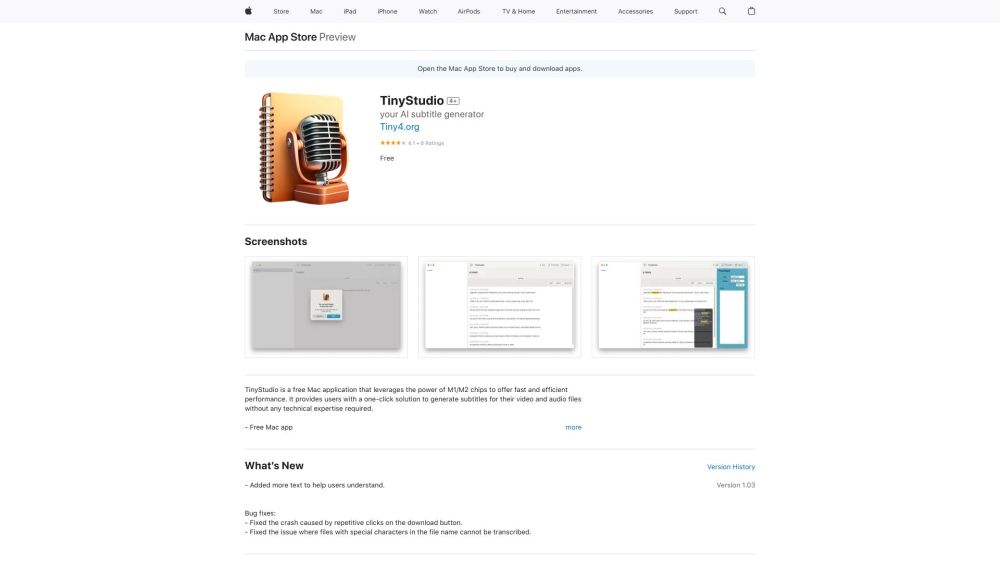
TinyStudio is a free Mac application that leverages the power of M1/M2 chips to offer fast and efficient performance. It provides users with a one-click solution to generate subtitles for their video and audio files without any technical expertise required.
How to use TinyStudio?
Using TinyStudio is extremely simple. First, download and install the application on your Mac. Then, open the application and select the video or audio file for which you want to generate subtitles. Finally, click on the 'Generate Subtitles' button, and TinyStudio will automatically generate accurate subtitles for your file.
TinyStudio's Core Features
Leverages the power of M1/M2 chips for fast and efficient performance
One-click solution for generating subtitles
Supports video and audio files
Accurate and reliable subtitle generation
No technical expertise required
TinyStudio's Use Cases
Video content creators
Podcasters
Language learners
Transcription services
FAQ from TinyStudio
What is TinyStudio?
TinyStudio is a free Mac application that leverages the power of M1/M2 chips to offer fast and efficient performance. It provides users with a one-click solution to generate subtitles for their video and audio files without any technical expertise required.
How to use TinyStudio?
Using TinyStudio is extremely simple. First, download and install the application on your Mac. Then, open the application and select the video or audio file for which you want to generate subtitles. Finally, click on the 'Generate Subtitles' button, and TinyStudio will automatically generate accurate subtitles for your file.
Can TinyStudio generate subtitles for multiple languages?
Yes, TinyStudio supports the generation of subtitles for multiple languages. Simply select the desired language before clicking on the 'Generate Subtitles' button.
Is TinyStudio compatible with older Mac models?
No, TinyStudio leverages the power of the latest M1/M2 chips and is specifically designed for Macs with M1/M2 chips. It may not work as intended on older Mac models.
Can I edit the generated subtitles?
Yes, TinyStudio provides a built-in subtitle editor that allows you to make any necessary edits to the generated subtitles.
Does TinyStudio support batch processing?
Yes, TinyStudio supports batch processing, allowing you to generate subtitles for multiple video or audio files simultaneously.
Is TinyStudio available for other platforms?
No, TinyStudio is currently only available for Mac devices.