
What is stagewise?
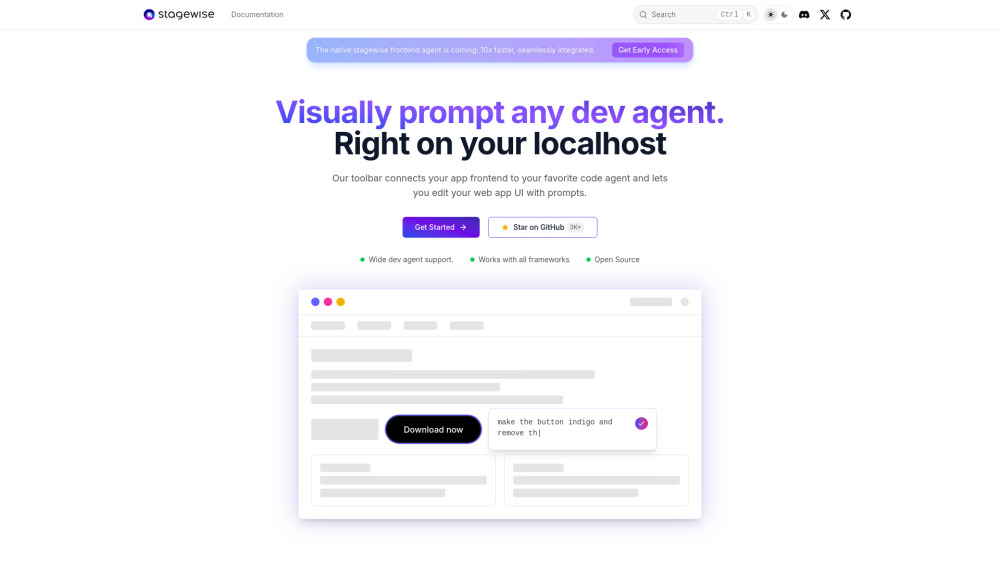
stagewise is a tool that integrates an AI development agent directly into an application's dev mode, enabling "visual vibe coding" within the codebase. It connects the app's frontend to a user's preferred AI code agent, sending rich context such as DOM elements, screenshots, and metadata. This allows users to edit their web application UI using natural language prompts. It offers seamless integration with popular frontend frameworks like React, Vue, Angular, and Next.js, and supports various AI coding assistants.
How to use stagewise?
To use stagewise, first install its extension from your code editor's marketplace (e.g., Cursor, VS Code). Next, install and inject the stagewise toolbar into your web app. This can be done via an AI-assisted setup (e.g., CMD + Shift + P and enter `setupToolbar` in Cursor) or a manual setup guide. Once the toolbar is injected, it automatically connects to the extension. Finally, start your app in dev mode, and the toolbar will appear, allowing you to begin editing your web app UI with prompts.