
What is Runcell - Jupyter AI Agent?
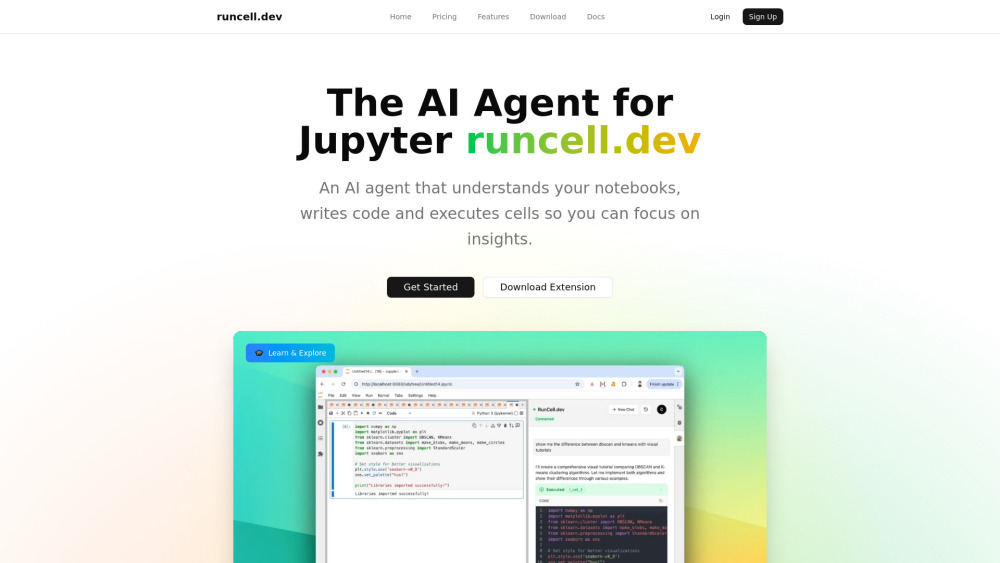
**Runcell - Code Agent for Jupyter Users** The best code agent for Jupyter users, offering a powerful alternative to Cursor in Jupyter notebooks. Runcell brings autonomous AI capabilities that understand data and code in notebooks, planning next moves and coding for you. **Key Features:** • **Understand Code, Data, Charts in Notebooks** Runcell's AI agent comprehends your entire notebook context - analyzing code patterns, data structures, and visualizations to provide intelligent assistance tailored to your specific workflow. • **Agent that Automates Planning and Coding in Notebook** Go beyond simple suggestions with an AI agent that proactively plans your analysis workflow. Runcell identifies next steps, proposes solutions, and generates complete code implementations automatically. • **AI Code Completion, Copilot for Jupyter** Experience intelligent code completion that serves as your Jupyter copilot. Get context-aware suggestions, auto-complete complex functions, and accelerate development with AI-powered assistance. • **Agent that Can Execute Cells, Running Commands, Fix Bugs for You** Runcell actively manages your notebook environment - executing cells autonomously, running terminal commands, and automatically debugging errors. When bugs arise, the agent diagnoses issues and implements fixes directly. Transform your Jupyter experience with Runcell - the code agent that understands, plans, and executes alongside you. Whether you're analyzing data, building models, or exploring datasets, Runcell automates the tedious parts so you can focus on insights.
How to use Runcell - Jupyter AI Agent?
1. Install runcell with pip/conda/uv, for example, pip install runcell --upgrade 2. Restart your jupyter lab with `jupyter lab .` 3. On the right side of jupyter lab, you can find runcell extension, login and you can start to use the AI Agent.