
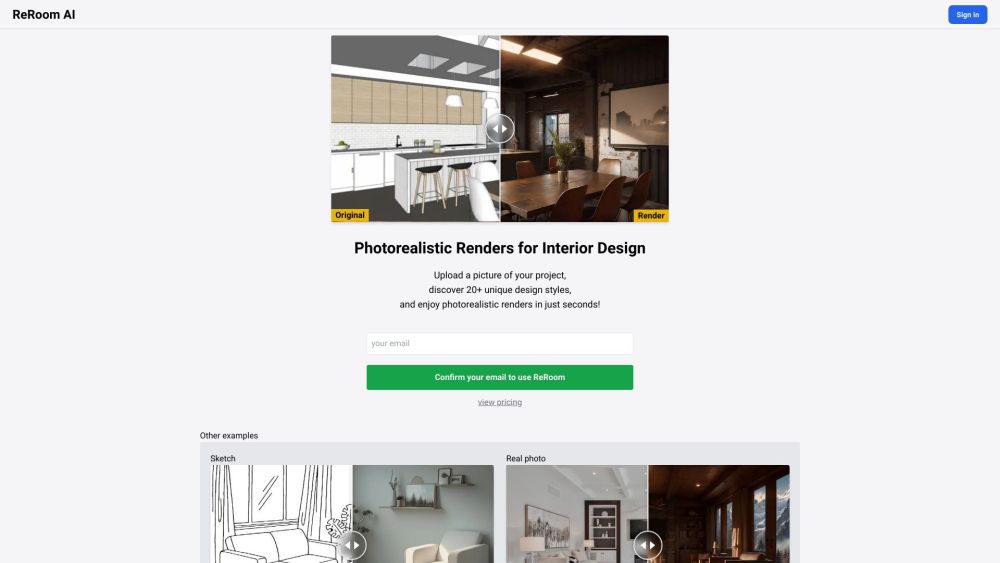
What is ReRoom AI - Photorealistic Renders for Interior Design?
ReRoom AI is an online platform that allows users to enhance their SketchUp results by generating photorealistic renders for interior design projects. By uploading a picture of their project, users can explore over 20 unique design styles and enjoy realistic renders in a matter of seconds.
How to use ReRoom AI - Photorealistic Renders for Interior Design?
1. Sign in to ReRoom AI using your preferred method (Google Sign In or email confirmation). 2. Upload a picture of your interior design project. 3. Browse through the available design styles and select the one that suits your vision. 4. Click on the 'Render' button to generate a photorealistic render of your project in the chosen style. 5. Download the rendered image and use it to visualize and present your interior design ideas.