
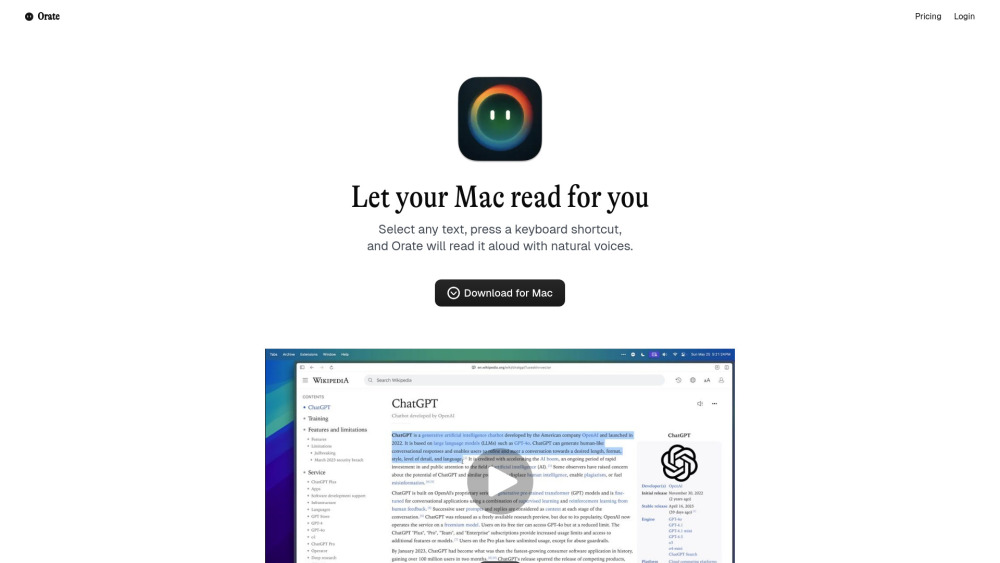
What is Orate?
Orate is a free macOS menu-bar application designed to convert any highlighted text into speech using a single hotkey. It leverages bleeding-edge AI voice technology to provide natural-sounding voices with perfect intonation and emphasis, offering ultra-low latency for near-instant text-to-speech. It works across various applications on your Mac, including browsers, documents, and emails.
How to use Orate?
To use Orate, simply highlight any text on your Mac, then press the global keyboard shortcut ⌘ + E. Orate will immediately read the selected text aloud with natural voices. You can also adjust the reading speed to your preference.