
AI Directory : AI 3D Model Generator, AI Design Generator, AI Logo Generator, Image to 3D Model
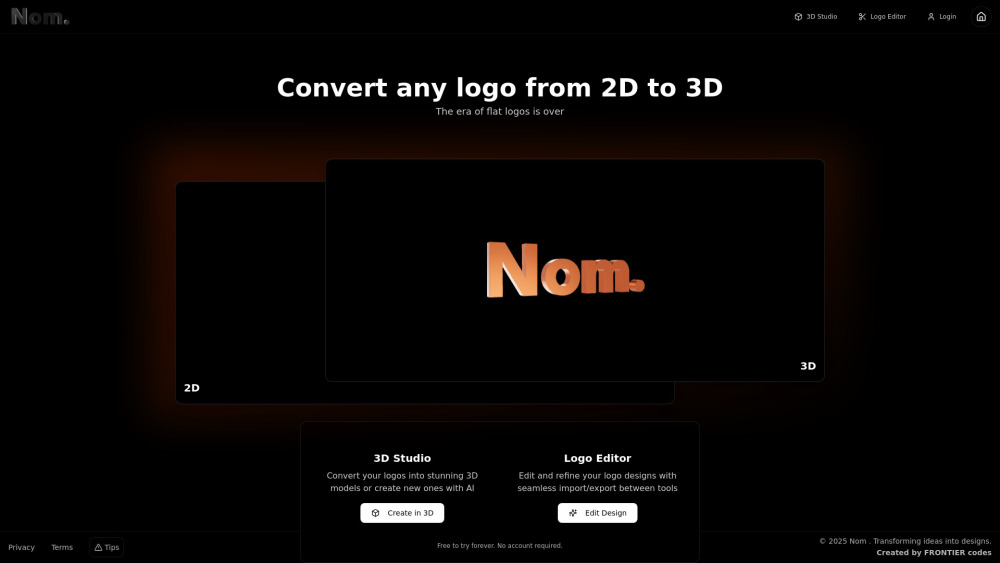
What is nom3d.studio?
nom3d.studio is an AI-powered 3D Logo Creation Platform designed to transform 2D logos into stunning 3D models with one-click conversion, or to create entirely new designs using AI. It offers extensive customization options including a library of 2000+ textures, adjustable thickness, lighting controls, and access to over 2000 fonts for text-based logo creation. The platform provides a real-time interactive preview of 3D models with realistic materials and lighting. Users can export their final designs as high-resolution images (PNG), 3D models (GLB), or 360° videos. It's built for designers aiming to transition from flat to dimensional brand assets, offering a comprehensive studio for professional 3D designs and brand assets.
How to use nom3d.studio?
Users can start by uploading an existing 2D logo for one-click conversion to 3D, or create a new design using AI with text input. The platform provides a logo editor to refine designs, allowing seamless import/export between tools. Customization is done through powerful controls for textures, colors (e.g., Chrome, Gold, Plastic), thickness, environment settings (e.g., studio, sky), and custom backgrounds from a media library. An interactive preview allows real-time visualization. Once satisfied, designs can be exported as high-resolution images, 3D models, or 360° videos.
nom3d.studio's Core Features
One-click 2D to 3D logo conversion
AI-powered new logo creation from text input
Extensive customization options (textures, colors, thickness, lighting, environment)
2000+ fonts library for text-based logo creation
2000+ textures library with variants
Real-time interactive 3D model preview
Export high-resolution PNG images
Export 3D models (GLB format)
Export 360° videos
Media library for custom image and video backgrounds
Seamless import/export with logo editor
nom3d.studio's Use Cases
Transforming existing flat company logos into dynamic 3D brand assets.
Generating unique 3D logo designs from scratch using AI for new businesses or projects.
Creating professional 3D branding elements for websites, presentations, and marketing campaigns.
Producing animated 360° logo videos for social media or digital advertisements.
Designing custom backgrounds for websites using integrated media libraries.
Developing 3D models of logos for use in augmented reality (AR) or virtual reality (VR) applications.
FAQ from nom3d.studio
Is nom3d.studio free to use?
What kind of assets can I export from nom3d.studio?
Do I need an account to try nom3d.studio?
Do credits on the Professional plan expire?
nom3d.studio Company
nom3d.studio Company name: Nom .
nom3d.studio Login
nom3d.studio Login Link: https://nom3d.studio/
FAQ from nom3d.studio
What is nom3d.studio?
nom3d.studio is an AI-powered 3D Logo Creation Platform designed to transform 2D logos into stunning 3D models with one-click conversion, or to create entirely new designs using AI. It offers extensive customization options including a library of 2000+ textures, adjustable thickness, lighting controls, and access to over 2000 fonts for text-based logo creation. The platform provides a real-time interactive preview of 3D models with realistic materials and lighting. Users can export their final designs as high-resolution images (PNG), 3D models (GLB), or 360° videos. It's built for designers aiming to transition from flat to dimensional brand assets, offering a comprehensive studio for professional 3D designs and brand assets.
How to use nom3d.studio?
Users can start by uploading an existing 2D logo for one-click conversion to 3D, or create a new design using AI with text input. The platform provides a logo editor to refine designs, allowing seamless import/export between tools. Customization is done through powerful controls for textures, colors (e.g., Chrome, Gold, Plastic), thickness, environment settings (e.g., studio, sky), and custom backgrounds from a media library. An interactive preview allows real-time visualization. Once satisfied, designs can be exported as high-resolution images, 3D models, or 360° videos.
Is nom3d.studio free to use?
Yes, nom3d.studio offers a 'Forever Free' plan that allows users to convert logos in 3D, get unlimited previews, access multiple material options, thickness selector, lightning controls, and editor access. Exporting and commercial usage rights require an upgrade to the Professional plan.
What kind of assets can I export from nom3d.studio?
With the Professional plan, you can export high-resolution PNG images, 3D models in GLB format, and 360° videos.
Do I need an account to try nom3d.studio?
No, you can try nom3d.studio forever for free without requiring an account.
Do credits on the Professional plan expire?
No, credits on the Professional plan do not have an expiry date.