
AI Directory : AI Eraser, AI Inpainting, Object Remover AI
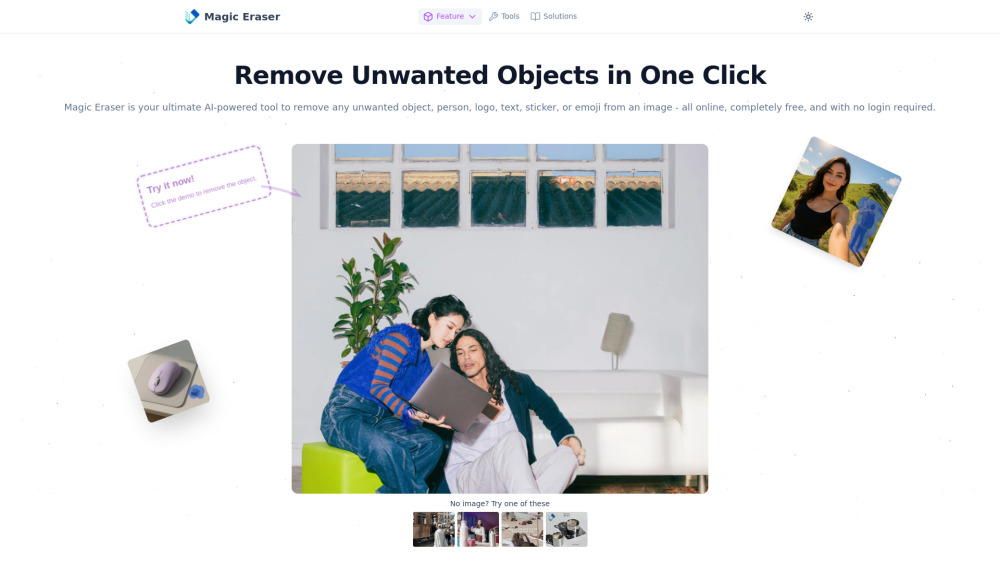
What is Magic Eraser?
Magic Eraser is an ultimate AI-powered online tool designed to effortlessly remove any unwanted object, person, logo, text, sticker, or emoji from images. It operates completely free of charge and requires no login or sign-up. Utilizing cutting-edge AI technology, Magic Eraser ensures that unwanted elements vanish with incredible precision, seamlessly reconstructing the background without damaging the original image quality. It supports major image formats like JPG, PNG, and WEBP, and is ideal for cleaning up portraits, travel photos, product images, memes, posters, and social media content.
How to use Magic Eraser?
Using Magic Eraser is simple: First, upload your image by clicking the upload button. Next, use the brush tool to highlight the object, person, or text you wish to remove. The AI will then instantly remove the marked object and intelligently fill the area. Finally, click download to save your clean, edited photo in high quality, all for free.
Magic Eraser's Core Features
AI-powered object removal (people, text, logos, watermarks, emojis, stickers, general clutter)
Free to use with no login or account required
Preserves original image quality
Supports JPG, PNG, and WEBP image formats
Mobile-friendly
Magic Eraser's Use Cases
Remove blemishes or background people from portraits and selfies.
Erase distractions from travel and landscape photos.
Delete logos, props, or backgrounds from product images.
Clean up text, emojis, or overlays from memes and posters.
Remove watermarks and stickers from social media content.
Fix photobombers in wedding photos.
Clean up old family photos by removing water damage or unwanted elements.
Remove distracting background elements from YouTube thumbnails.
Clean up product images for online stores.
Remove unwanted logos from stock photos for marketing materials.
Remove watermarks from design inspiration images.
Clean up old concert photos by removing unwanted people and objects.
Remove distracting elements from food blog photos.
FAQ from Magic Eraser
Is MagicEraser really free?
Do I need to create an account?
Will MagicEraser reduce my image quality?
What image formats are supported?
Can I use it on my phone?
What if the object is complicated or in a detailed background?
Is there a size limit on the images?
Magic Eraser Support Email & Customer service contact & Refund contact etc.
More Contact, visit the contact us page()
Magic Eraser Company
Magic Eraser Company name: .
Magic Eraser Company address: .
More about Magic Eraser, Please visit the about us page().
Magic Eraser Login
Magic Eraser Sign up
Magic Eraser Pricing
Magic Eraser Pricing Link: https://magiceraser.org/pricing
FAQ from Magic Eraser
What is Magic Eraser?
Magic Eraser is an ultimate AI-powered online tool designed to effortlessly remove any unwanted object, person, logo, text, sticker, or emoji from images. It operates completely free of charge and requires no login or sign-up. Utilizing cutting-edge AI technology, Magic Eraser ensures that unwanted elements vanish with incredible precision, seamlessly reconstructing the background without damaging the original image quality. It supports major image formats like JPG, PNG, and WEBP, and is ideal for cleaning up portraits, travel photos, product images, memes, posters, and social media content.
How to use Magic Eraser?
Using Magic Eraser is simple: First, upload your image by clicking the upload button. Next, use the brush tool to highlight the object, person, or text you wish to remove. The AI will then instantly remove the marked object and intelligently fill the area. Finally, click download to save your clean, edited photo in high quality, all for free.
Is MagicEraser really free?
Yes! MagicEraser is completely free to use, with no hidden fees or subscriptions.
Do I need to create an account?
No account, no email, no login required. Just open the site and start editing.
Will MagicEraser reduce my image quality?
No. MagicEraser uses AI to preserve the original quality while removing selected areas.
What image formats are supported?
You can upload JPG, PNG, or WebP images.
Can I use it on my phone?
Yes! MagicEraser is 100% mobile-friendly. Use it from any browser on iOS or Android.
What if the object is complicated or in a detailed background?
MagicEraser handles complex backgrounds with ease. For best results, zoom in and mark accurately.
Is there a size limit on the images?
MagicEraser supports high-resolution images up to 10MB.