
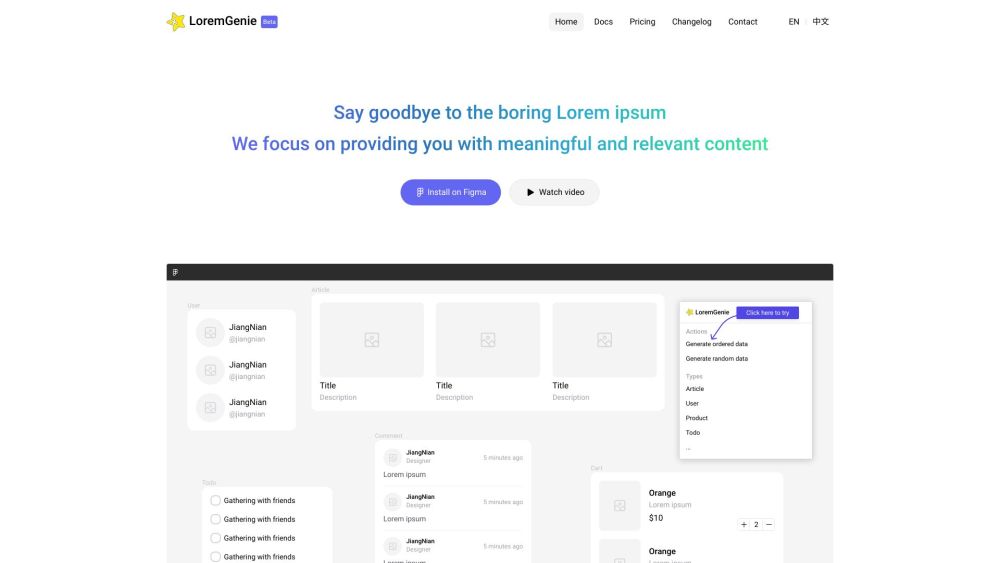
What is LoremGenie for Figma?
LoremGenie for Figma is a plugin that replaces the traditional Lorem ipsum with meaningful and relevant content for designers. It allows users to populate their designs with real-looking data, such as user profiles, product listings, and customer reviews.
How to use LoremGenie for Figma?
To use LoremGenie for Figma, you need to install the plugin on Figma. Once installed, you can access LoremGenie from the Plugins menu in Figma. You can then generate ordered or random data, manually select data, or transform data into specific formats. LoremGenie also offers multiple avatar styles to choose from. Simply select the data you want to populate in your design and click on the corresponding action in LoremGenie.