
AI Directory : AI Art Generator
What is Local Art?
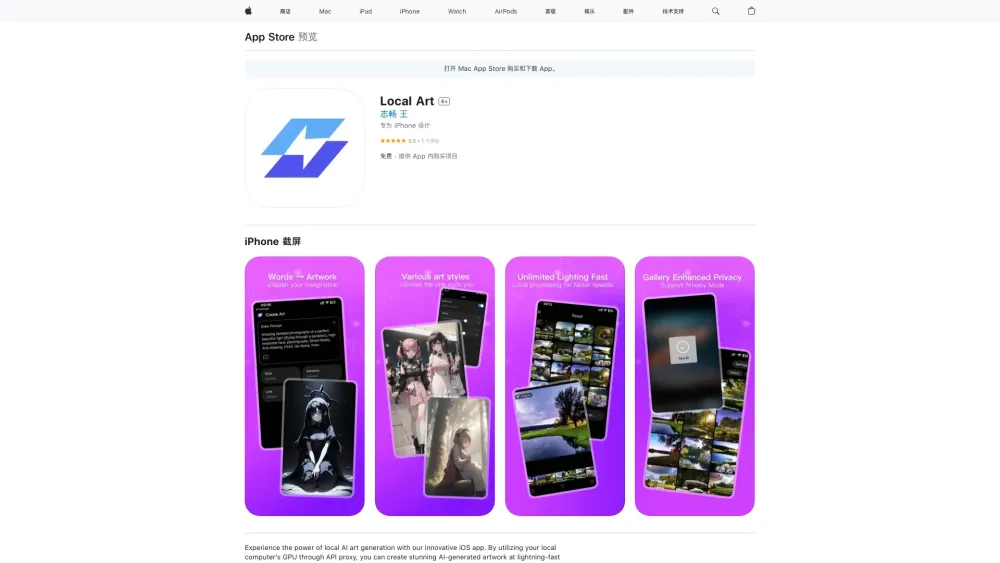
Local Art is an iOS app that harnesses the power of local AI art generation by utilizing your computer's GPU through API proxy. It allows users to create stunning AI-generated artwork efficiently and securely.
How to use Local Art?
To use Local Art, download the app from the App Store, input text or images, and let the AI generate up to 100 images with Stable Diffusion using your computer's GPU.
Local Art's Core Features
Local AI art generation
Utilizes computer's GPU for fast processing
Generates up to 100 images with Stable Diffusion
Local Art's Use Cases
Artists exploring AI art creation
Efficient and secure creative process
FAQ from Local Art
What is Local Art?
Local Art is an iOS app that harnesses the power of local AI art generation by utilizing your computer's GPU through API proxy. It allows users to create stunning AI-generated artwork efficiently and securely.
How to use Local Art?
To use Local Art, download the app from the App Store, input text or images, and let the AI generate up to 100 images with Stable Diffusion using your computer's GPU.
What is Stable Diffusion in Local Art?
Stable Diffusion is a technique used in Local Art to efficiently generate AI artwork by utilizing the user's computer's GPU through an API proxy. It ensures fast and secure creation of up to 100 images.
Can I use Local Art without an internet connection?
Local Art requires an internet connection to utilize the computer's GPU through API proxy for fast AI art generation. However, once the images are generated, they can be accessed offline within the app.