
AI Directory : AI Agent, AI Code Assistant, AI Code Generator, AI Copilot, AI Developer Tools
What is Kiro AI?
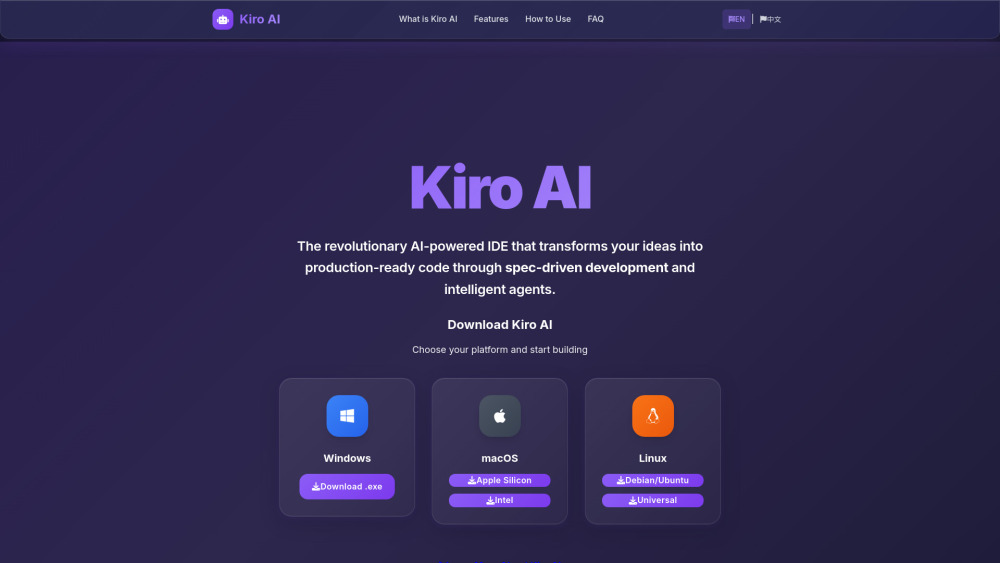
Kiro AI is a revolutionary AI-powered Integrated Development Environment (IDE) that transforms coding from concept to production. It utilizes spec-driven development to convert ideas into structured requirements, system designs, and production-ready code. Built on the open-source VS Code foundation and powered by AWS Bedrock's Claude models, Kiro AI aims to bridge the gap between rapid prototyping and maintainable production systems.
How to use Kiro AI?
To use Kiro AI, first download and install the desktop application for Windows, macOS, or Linux, then sign in. Next, create your project specs by describing your feature in natural language, allowing Kiro AI to automatically generate requirements, design documents, and task lists. After that, let AI agents work by clicking through generated tasks, watching Kiro AI implement features, write tests, and maintain documentation. Finally, deploy to production with confidence, as the structured specs and automated testing ensure your code is production-ready from day one.
Kiro AI's Core Features
Spec-Driven Development
Intelligent AI Agents
Multimodal Chat Interface
Agent Hooks & Automation
AWS Integration
VS Code Compatibility
Kiro AI's Use Cases
Transforming ideas into production-ready code through spec-driven development.
Automating routine coding tasks like generating tests, updating documentation, and maintaining code quality.
Guiding development using text, images, or code via a multimodal chat interface.
Setting up custom automation rules that trigger on file events for tasks like auto-generating tests or running security scans.
Seamlessly integrating with AWS services for enterprise-grade AI capabilities and deployment.
Migrating existing VS Code workflows and extensions to an AI-enhanced environment.
Rapid prototyping and building maintainable production systems with structured requirements.
FAQ from Kiro AI
What makes Kiro AI different from other coding assistants?
How much does Kiro AI cost?
Which programming languages does Kiro AI support?
Can I use Kiro AI with my existing VS Code setup?
How secure is my code with Kiro AI?
What are Agent Hooks in Kiro AI?
Does Kiro AI work offline?
Can I integrate Kiro AI with external tools and APIs?
What platforms does Kiro AI support?
How do I get technical support for Kiro AI?
Kiro AI Support Email & Customer service contact & Refund contact etc.
More Contact, visit the contact us page()
Kiro AI Company
Kiro AI Company name: Kiro AI .
Kiro AI Company address: .
More about Kiro AI, Please visit the about us page(https://kiroai.ai/#what-is).
Kiro AI Login
Kiro AI Sign up
Kiro AI Pricing
Kiro AI Pricing Link: https://kiro.dev/pricing
Kiro AI Github
Kiro AI Github Link: https://github.com/kirodotdev
FAQ from Kiro AI
What is Kiro AI?
Kiro AI is a revolutionary AI-powered Integrated Development Environment (IDE) that transforms coding from concept to production. It utilizes spec-driven development to convert ideas into structured requirements, system designs, and production-ready code. Built on the open-source VS Code foundation and powered by AWS Bedrock's Claude models, Kiro AI aims to bridge the gap between rapid prototyping and maintainable production systems.
How to use Kiro AI?
To use Kiro AI, first download and install the desktop application for Windows, macOS, or Linux, then sign in. Next, create your project specs by describing your feature in natural language, allowing Kiro AI to automatically generate requirements, design documents, and task lists. After that, let AI agents work by clicking through generated tasks, watching Kiro AI implement features, write tests, and maintain documentation. Finally, deploy to production with confidence, as the structured specs and automated testing ensure your code is production-ready from day one.
What makes Kiro AI different from other coding assistants?
Kiro AI focuses on spec-driven development, automatically generating requirements, design documents, and task lists. Unlike prompt-based tools, it enforces structured development practices and maintains documentation throughout the project lifecycle.
How much does Kiro AI cost?
Kiro AI offers three pricing tiers: Free ($0/month, 50 interactions), Pro ($19/month, 1,000 interactions), and Pro+ ($39/month, 3,000 interactions). During the preview period, all features are available for free.
Which programming languages does Kiro AI support?
Kiro AI supports 50+ programming languages including JavaScript, Python, Java, C++, Go, Rust, TypeScript, and many more. Built on the VS Code foundation, it works with any language that has VS Code extension support.
Can I use Kiro AI with my existing VS Code setup?
Yes! Kiro AI is built on the open-source VS Code foundation and supports importing your existing themes, extensions from Open VSX registry, and settings. Migration from VS Code is seamless.
How secure is my code with Kiro AI?
Kiro AI uses enterprise-grade security with TLS 1.2+ encryption. Paid users' content is never used for model training, and free users can opt out. All data is processed securely through AWS infrastructure.
What are Agent Hooks in Kiro AI?
Agent Hooks are automation rules that trigger on file events. You can set up hooks to automatically generate tests, update documentation, run security scans, or perform other tasks when files are created, saved, or deleted.
Does Kiro AI work offline?
Kiro AI requires an internet connection for AI features as it uses AWS Bedrock's Claude models. However, you can still use it as a regular code editor offline, with AI features resuming when connectivity is restored.
Can I integrate Kiro AI with external tools and APIs?
Yes! Kiro AI supports the Model Context Protocol (MCP) for connecting with external data sources, databases, APIs, and tools like Asana, Figma, or custom project management systems.
What platforms does Kiro AI support?
Kiro AI is available as a desktop application for Windows, macOS (Intel and Apple Silicon), and Linux. There's no mobile or web-only version currently available.
How do I get technical support for Kiro AI?
Technical support is available through the official Kiro AI documentation, GitHub repository for bug reports, AWS community forums, and direct support channels for paid subscribers. The community is also active in providing help.