
AI Directory : AI Description Generator, AI Photo Enhancer, AI Real Estate, Object Remover AI
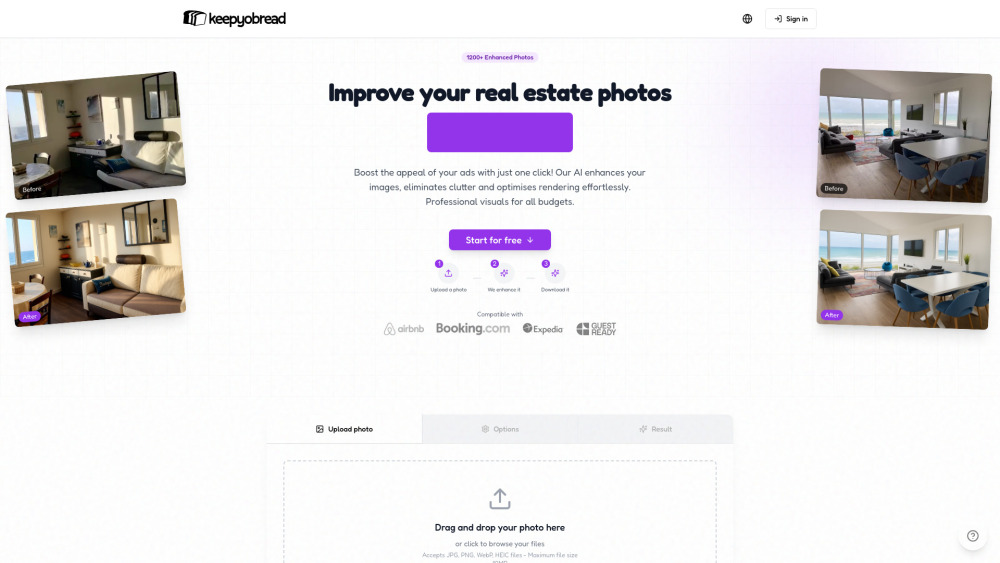
What is Keepyobread?
Keepyobread is an AI-powered platform designed to enhance real estate listing photos and generate high-converting listing descriptions, primarily optimized for Airbnb and Booking. It allows users to auto-enhance, remove clutter, adjust realism, correct lighting, and generate SEO-optimized descriptions with one click, without requiring any editing skills or Photoshop.
How to use Keepyobread?
To use Keepyobread, first, upload your property photo. Then, you can customize options or use the optimized automatic settings. Finally, download your perfectly enhanced photo. For descriptions, you can generate an SEO-optimized Airbnb description by clicking the 'Generate' button.
Keepyobread's Core Features
Automatic photo enhancement
Object removal (clutter removal)
Realism adjustment
Optimized listing description generation
Lighting correction
File conservation (secure personal gallery)
Keepyobread's Use Cases
Improve real estate listing photos for Airbnb and Booking to attract more visitors.
Generate compelling, search-optimized listing descriptions that highlight property features.
Increase conversion rates and justify higher rental prices for properties.
Transform ordinary photos into professional images without hiring a photographer.
FAQ from Keepyobread
What types of files does Keepyobread accept?
How does Keepyobread enhance photos?
Can I generate listing descriptions with Keepyobread?
How long does it take to enhance a photo?
Do I need technical skills to use Keepyobread?
Keepyobread Support Email & Customer service contact & Refund contact etc.
More Contact, visit the contact us page(https://keepyobread.com/contact)
Keepyobread Company
Keepyobread Company name: Keepyobread .
Keepyobread Login
Keepyobread Login Link: https://keepyobread.com/auth
FAQ from Keepyobread
What is Keepyobread?
Keepyobread is an AI-powered platform designed to enhance real estate listing photos and generate high-converting listing descriptions, primarily optimized for Airbnb and Booking. It allows users to auto-enhance, remove clutter, adjust realism, correct lighting, and generate SEO-optimized descriptions with one click, without requiring any editing skills or Photoshop.
How to use Keepyobread?
To use Keepyobread, first, upload your property photo. Then, you can customize options or use the optimized automatic settings. Finally, download your perfectly enhanced photo. For descriptions, you can generate an SEO-optimized Airbnb description by clicking the 'Generate' button.
What types of files does Keepyobread accept?
Keepyobread accepts JPG, PNG, WebP, and HEIC files. The maximum file size is 10MB.
How does Keepyobread enhance photos?
Our AI analyzes and instantly enhances your photos, removes visual distractions, adjusts realism, and corrects lighting to give them a professional look.
Can I generate listing descriptions with Keepyobread?
Yes, Keepyobread can generate engaging and SEO-optimized listing descriptions that highlight your property's best features.
How long does it take to enhance a photo?
The average processing time is 2 minutes.
Do I need technical skills to use Keepyobread?
No, the platform is designed to be simple, fast, and effective, requiring no expertise in photography or image editing.