
AI ディレクトリ : AI Assistant, AI Browsers, AI Research Tool, AI Search Engine, AI Summarizer, AI Translate, Large Language Models (LLMs), Open Source AI Models
What is NativeMind?
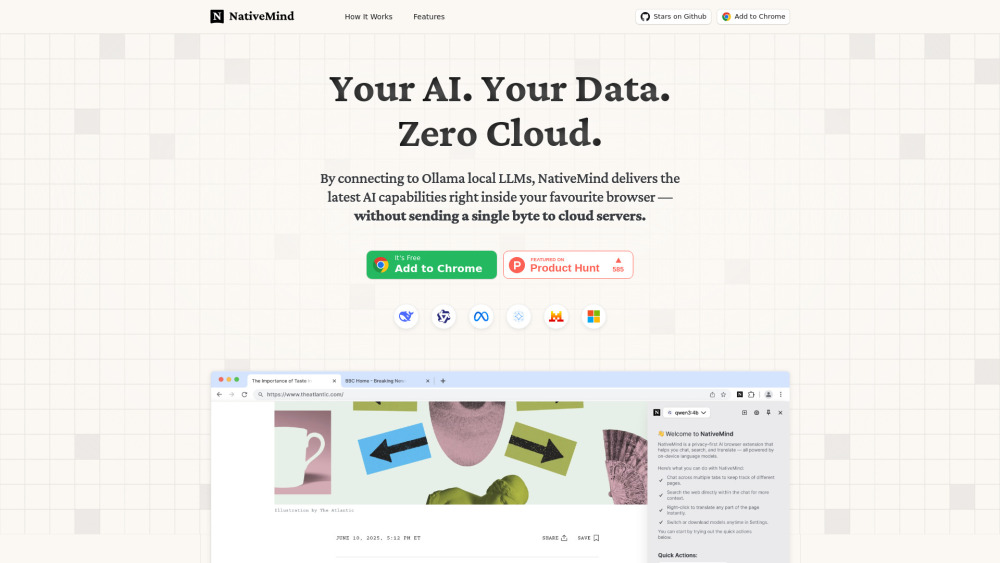
NativeMind is a private, on-device AI assistant that operates as a browser extension. It brings the latest AI models, powered by Ollama and leading open-weights models like DeepSeek, Qwen, Llama, Gemma, and Mistral, directly to your browser. The core value proposition is total privacy and no cloud dependency, ensuring all data and AI processing remain on your local device.
How to use NativeMind?
For personal use, simply install the NativeMind browser extension (e.g., 'Add to Chrome'). There is no sign-up or tracking required. It connects to Ollama local LLMs on your device, allowing you to immediately access AI capabilities like summarizing webpages, chatting across tabs, performing local web searches, and translating content.
NativeMind's Core Features
Fully private and on-device AI processing (zero cloud dependency)
Open-source and auditable
Supports leading open-weights models (DeepSeek, Qwen, Llama, Gemma, Mistral)
Seamless Ollama integration for instant model loading and switching
Webpage summarization
Cross-tab chat with context retention
Local web search functionality
Immersive, context-aware page translation
NativeMind's Use Cases
Summarize long articles or reports directly in your browser.
Ask questions and maintain conversational context across multiple websites and tabs.
Perform web searches privately, with answers generated directly in your browser.
Instantly translate entire web pages while preserving formatting and privacy.
Utilize powerful AI models for everyday work without sending any data to external servers.
FAQ from NativeMind
Does NativeMind send any data to the cloud?
NativeMind Support Email & Customer service contact & Refund contact etc.
Here is the NativeMind support email for customer service: [email protected] . More Contact, visit the contact us page(mailto:[email protected])
NativeMind Company
NativeMind Company name: SUPERMIND PTE. LIMITED .
NativeMind Github
NativeMind Github Link: https://github.com/NativeMindBrowser/NativeMindExtension
FAQ from NativeMind
What is NativeMind?
NativeMind is a private, on-device AI assistant that operates as a browser extension. It brings the latest AI models, powered by Ollama and leading open-weights models like DeepSeek, Qwen, Llama, Gemma, and Mistral, directly to your browser. The core value proposition is total privacy and no cloud dependency, ensuring all data and AI processing remain on your local device.
How to use NativeMind?
For personal use, simply install the NativeMind browser extension (e.g., 'Add to Chrome'). There is no sign-up or tracking required. It connects to Ollama local LLMs on your device, allowing you to immediately access AI capabilities like summarizing webpages, chatting across tabs, performing local web searches, and translating content.
Does NativeMind send any data to the cloud?
No. NativeMind runs entirely on your local device. It doesn't send any of your data, prompts, or page content to external servers — ever. Everything stays on your machine.