
AI ディレクトリ : AI Content Generator, AI YouTube Assistant
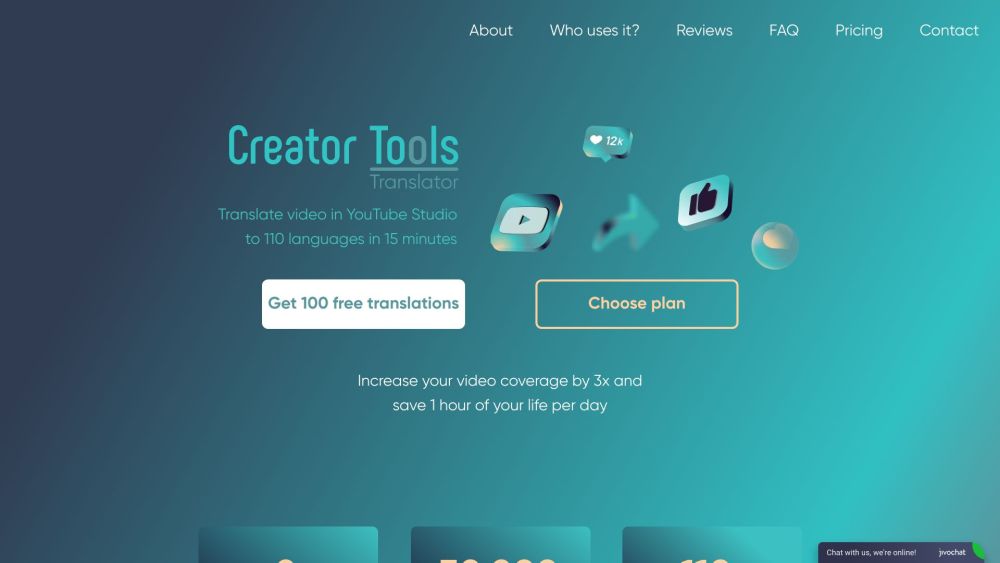
What is Creator Tools Translator?
Creator Tools Translator is a service that allows you to easily translate captions and descriptions in YouTube Studio into over 140 languages. It is a powerful localization tool that can expand your video coverage by hundreds of percent and save you a significant amount of time each month.
How to use Creator Tools Translator?
Using Creator Tools Translator is simple and requires just two clicks. First, go to the web version of the translator and log in with your Google account. Then, select the YouTube channel and video you want to translate, choose the desired languages, and click 'Translate!' The tool will automatically translate your video's title, description, and subtitles.
Creator Tools Translator's Core Features
The core features of Creator Tools Translator include: - Quick and easy translation of video metadata and subtitles into over 140 languages - Time-saving automation that can save you 3-4 days per month - Verified by YouTube and Google for reliable and accurate translations - Increased video coverage and views from international audiences - Loved by vloggers and content creators in various niches, including entertainment, gaming, IT, training, travel, and more.
Creator Tools Translator's Use Cases
Creator Tools Translator is used by a wide range of individuals and businesses, including: - Bloggers and beginners who want to make their first steps in blogging easier - Million channels who want to improve video SEO and attract new audiences from other countries - Content managers who want to save time on routine work and optimize metadata translations - YouTube channels for business that want to enter new markets and improve understanding of their products or services - Partner networks and production/SMM agencies that want to gain a competitive edge and accelerate channel promotion.
Creator Tools Translator Support Email & Customer service contact & Refund contact etc.
Here is the Creator Tools Translator support email for customer service: [email protected] . More Contact, visit the contact us page(https://creator-tools.com/?utm_campaign=instagram_h&utm_medium=affiliate&utm_source=usa_world#freekey)
Creator Tools Translator Company
Creator Tools Translator Company name: Creator Tools .
More about Creator Tools Translator, Please visit the about us page(https://www.creator-tools.com/en/about).
Creator Tools Translator Login
Creator Tools Translator Login Link: https://creator-tools.com/?utm_campaign=instagram_h&utm_medium=affiliate&utm_source=usa_world#freekey
Creator Tools Translator Pricing
Creator Tools Translator Pricing Link: https://creator-tools.com/en/prices
Creator Tools Translator Youtube
Creator Tools Translator Youtube Link: https://www.youtube.com/@creator-tools
Creator Tools Translator Instagram
Creator Tools Translator Instagram Link: https://instagram.com/creator_tools.com_youtube?igshid=MzMyNGUyNmU2YQ%3D%3D&utm_source=qr
FAQ from Creator Tools Translator
What is Creator Tools Translator?
Creator Tools Translator is a service that allows you to easily translate captions and descriptions in YouTube Studio into over 140 languages. It is a powerful localization tool that can expand your video coverage by hundreds of percent and save you a significant amount of time each month.
How to use Creator Tools Translator?
Using Creator Tools Translator is simple and requires just two clicks. First, go to the web version of the translator and log in with your Google account. Then, select the YouTube channel and video you want to translate, choose the desired languages, and click 'Translate!' The tool will automatically translate your video's title, description, and subtitles.
How do I use Creator Tools Translator?
To use Creator Tools Translator, simply log in with your Google account on the web version of the translator. Select your YouTube channel and video, choose the desired languages, and click 'Translate!' The tool will automatically translate your video's metadata and subtitles.
What are the core features of Creator Tools Translator?
The core features of Creator Tools Translator include quick and easy translation, time-saving automation, verification by YouTube and Google, increased video coverage and views, and popularity among vloggers in various niches.
Who uses Creator Tools Translator?
Creator Tools Translator is used by bloggers, million channels, content managers, YouTube channels for business, partner networks, and production/SMM agencies to improve video SEO, expand audience reach, save time, and gain a competitive edge.
What are the benefits of using Creator Tools Translator?
The benefits of using Creator Tools Translator include increased video coverage, time saved on translations, improved international market entry, and expanded audience reach. It is a powerful tool for video localization and optimization.
How much does Creator Tools Translator cost?
Creator Tools Translator offers subscription plans starting at $4.99 per month for 200 translations. The price varies based on your video release frequency. You can cancel your subscription at any time.