
KI-Verzeichnis : AI Agent, AI Browsers, AI Copilot, AI Developer Tools, AI Productivity Tools, AI Testing, AI Workflow
What is Propolis?
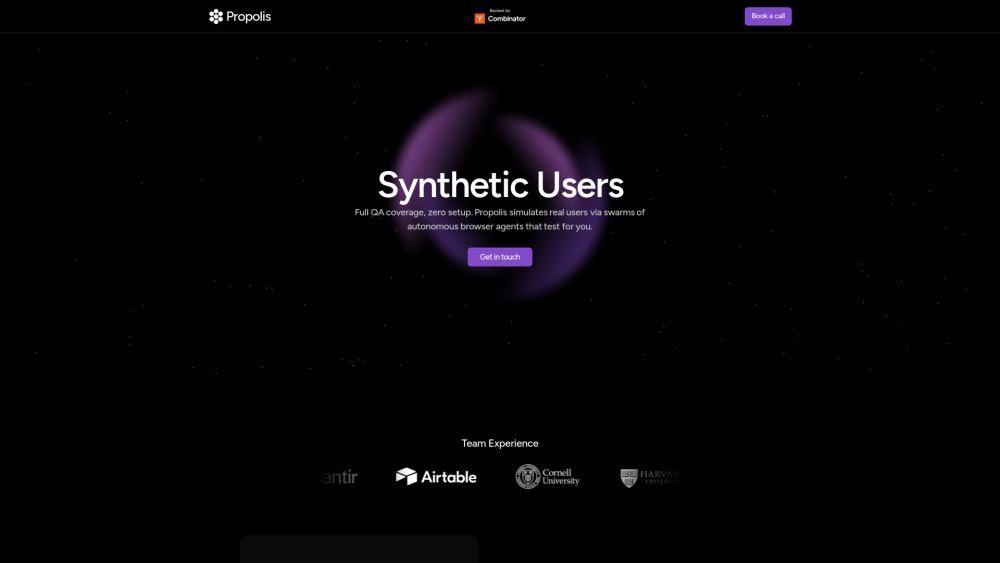
Propolis automates away all QA needs by developing intelligent agents that can understand and walk through your application, surfacing bugs and errors as they find them. It unleashes AI swarms that eliminate manual QA by testing like real users. Its autonomous browser agents explore all product flows, find bugs, and adapt instantly to changes, allowing users to ship faster with confidence.
How to use Propolis?
To use Propolis, you deploy swarms of autonomous browser agents that run hundreds of user-like sessions simultaneously on your product. These agents learn how to use your product through exploration, just like real users would, requiring no scripting or setup. You can run these swarms on your own cadence and conditions, such as every deploy, every merge, at random intervals, or targeted times for spot checks. After deployment, you receive immediate understanding of where and how things are breaking, with traces sent directly to your engineering team.
Propolis's Core Features
AI-powered autonomous browser agents
Eliminates manual QA
Tests like real users
Explores all product flows
Finds bugs and errors
Adapts instantly to changes
Full QA coverage
Zero setup (no scripting required)
Simulates real users via swarms
Runs hundreds of user-like sessions simultaneously
Immediate understanding of breaking points with traces
Customizable run schedules and conditions
Enhanced bug reporting (Pro plan)
Enterprise-grade compliance (Enterprise plan)
Propolis's Use Cases
Automating all QA needs for web applications
Testing product flows to find bugs and errors before deployment
Simulating real user interactions for comprehensive testing coverage
Running continuous tests on every deploy or merge for faster shipping
Reducing manual QA effort and test maintenance for engineering teams
Ensuring better user experience by handling every possible scenario
Gaining data-driven insights on where users struggle with the product
FAQ from Propolis
How can I use Propolis?
Is Propolis difficult to set up?
How do the swarms surface bugs and recommendations?
What if I have security concerns?
Propolis Support Email & Customer service contact & Refund contact etc.
More Contact, visit the contact us page(https://propolis.tech/contact)
Propolis Company
Propolis Company name: Propolis Technologies, Inc. .
FAQ from Propolis
What is Propolis?
Propolis automates away all QA needs by developing intelligent agents that can understand and walk through your application, surfacing bugs and errors as they find them. It unleashes AI swarms that eliminate manual QA by testing like real users. Its autonomous browser agents explore all product flows, find bugs, and adapt instantly to changes, allowing users to ship faster with confidence.
How to use Propolis?
To use Propolis, you deploy swarms of autonomous browser agents that run hundreds of user-like sessions simultaneously on your product. These agents learn how to use your product through exploration, just like real users would, requiring no scripting or setup. You can run these swarms on your own cadence and conditions, such as every deploy, every merge, at random intervals, or targeted times for spot checks. After deployment, you receive immediate understanding of where and how things are breaking, with traces sent directly to your engineering team.
How can I use Propolis?
Propolis can be used to automate your QA needs by deploying AI swarms that test your product flows like real users, finding bugs and adapting to changes instantly.
Is Propolis difficult to set up?
No, Propolis requires no scripting or setup. Its autonomous browser agents learn how to use your product through exploration, just like real users would.
How do the swarms surface bugs and recommendations?
The swarms provide an immediate understanding of where and how things are breaking, with traces sent directly to your engineering team.
What if I have security concerns?
Propolis offers enterprise-grade compliance for larger companies with complex flows and security concerns.