
KI-Verzeichnis : AI Assistant, AI Email Assistant, AI Productivity Tools, AI Task Management
What is Filo Mail?
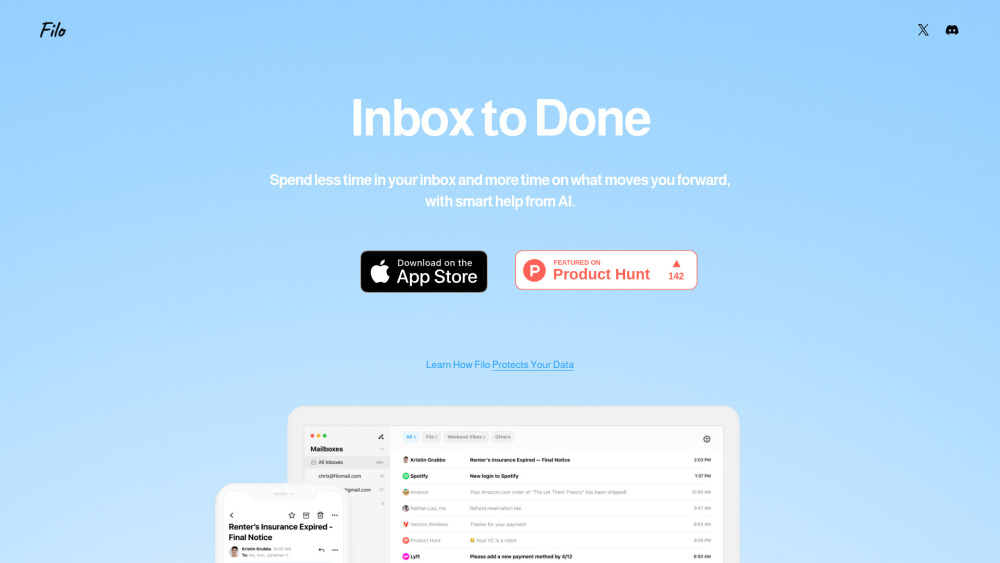
Filo Mail is an AI-powered email app designed to transform your inbox into a calm, focused to-do list. It helps users overwhelmed by email to regain control by automatically surfacing important tasks, summarizing information, and enabling management through simple natural-language commands. With its minimalist interface and smart assistant, Filo Mail aims to reduce time spent on email and increase focus on important matters. It acts as an AI-native email assistant that understands user needs for effortless inbox management.
How to use Filo Mail?
To use Filo Mail, simply tell it what you need using natural language commands, such as “Help me remove all marketing emails to the trash.” The AI assistant will then perform the requested task without requiring any coding or complex steps.
Filo Mail's Core Features
AI-powered email management
Transforms inbox into a to-do list
Automatically surfaces important tasks
Summarizes information
Manages emails with natural-language commands
Radically minimalist interface
Smart AI assistant
Filo Mail's Use Cases
Removing unwanted marketing emails to the trash
Cleaning up unwanted emails
Sorting your inbox
Scheduling tasks
FAQ from Filo Mail
How does Filo work?
What kinds of tasks can I ask Filo to perform?
Is my data secure with Filo?
Can I add all my email accounts?
How can I share feedback?
Filo Mail Twitter
Filo Mail Twitter Link: https://x.com/Filo_Mail
FAQ from Filo Mail
What is Filo Mail?
Filo Mail is an AI-powered email app designed to transform your inbox into a calm, focused to-do list. It helps users overwhelmed by email to regain control by automatically surfacing important tasks, summarizing information, and enabling management through simple natural-language commands. With its minimalist interface and smart assistant, Filo Mail aims to reduce time spent on email and increase focus on important matters. It acts as an AI-native email assistant that understands user needs for effortless inbox management.
How to use Filo Mail?
To use Filo Mail, simply tell it what you need using natural language commands, such as “Help me remove all marketing emails to the trash.” The AI assistant will then perform the requested task without requiring any coding or complex steps.
How does Filo work?
Just tell Filo what you need — like “Help me remove all marketing emails to the trash” — and it takes care of the rest. No coding, no fuss.
What kinds of tasks can I ask Filo to perform?
Filo can help you clean up unwanted emails, sort your inbox, schedule tasks, and more. New features are continuously added based on user feedback.
Is my data secure with Filo?
Filo does not store any user data anywhere. All email service information is provided by Google, so if you trust Gmail’s security, then you can trust Filo too.
Can I add all my email accounts?
Currently, Filo only supports Gmail. However, multiple Gmail account connections are supported, and there are plans to add more email providers later.
How can I share feedback?
You can join Filo's Discord server and drop suggestions or bug reports in the #📩|feedback channel. For help, head over to #🛠|support.