
KI-Verzeichnis : AI Assistant, AI Chatbot, AI Files, AI Productivity Tools, AI Search Engine
What is Dynbox?
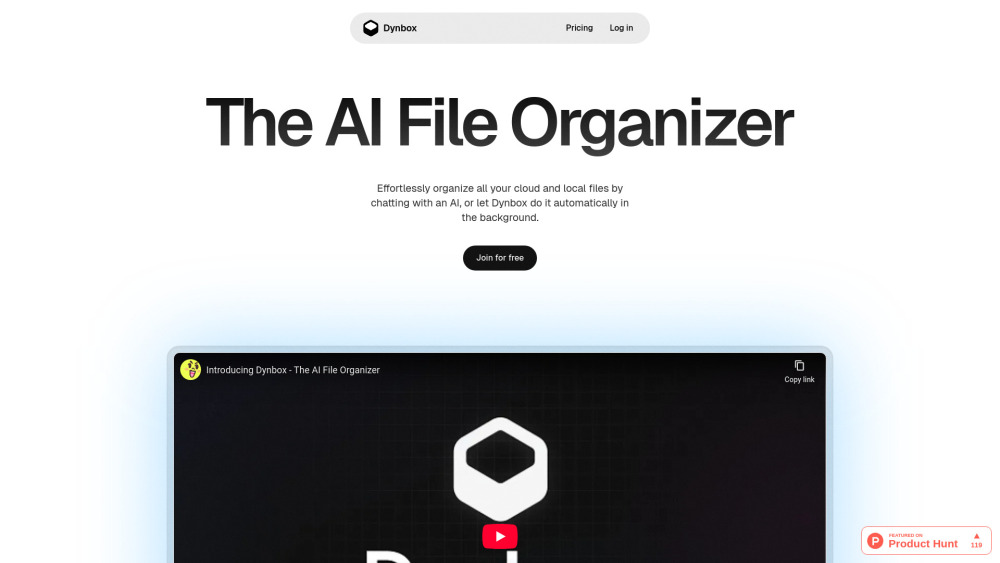
Dynbox is an AI file organizer that automatically keeps your files tidy. It allows users to edit, search, clean, and organize files with AI, aiming to reclaim their time and maintain sanity. The service integrates with cloud storage, offers search by meaning, and automates sorting.
How to use Dynbox?
Users can connect Dynbox to their existing cloud storage with a single click. Once connected, they can interact with their files using AI, performing actions like moving, creating, cleaning, renaming, searching, or asking questions about file content. The AI suggests changes, which users can review and approve, reject, or selectively apply. Users can also set rules for automated file sorting in the background.
Dynbox's Core Features
AI-powered file organization
AI Chat with files
Semantic search (Search by meaning)
Automated sorting (Automated folders)
Cloud storage integration
User control over AI actions
Privacy-focused design (files not stored on servers)
Demo mode
Dynbox's Use Cases
Automatically keeping digital files tidy and organized.
Quickly finding files by their content's meaning, not just keywords.
Automating the sorting and categorization of files in the background.
Interacting with file content through AI chat for various actions like moving, renaming, or querying.
Reclaiming time and reducing stress associated with manual file management.
FAQ from Dynbox
What is Dynbox?
How does Dynbox help me manage my files?
Can I connect Dynbox to my existing cloud storage?
Is my data safe and private with Dynbox?
What is the 'Demo mode'?
Does Dynbox offer a free plan?
Dynbox Support Email & Customer service contact & Refund contact etc.
Here is the Dynbox support email for customer service: [email protected] . More Contact, visit the contact us page(mailto:[email protected])
Dynbox Company
Dynbox Company name: Cody Adam .
Dynbox Login
Dynbox Login Link: https://dynbox.app/login
Dynbox Sign up
Dynbox Sign up Link: https://dynbox.app/new
Dynbox Linkedin
Dynbox Linkedin Link: https://www.linkedin.com/in/codyadam/
Dynbox Twitter
Dynbox Twitter Link: https://x.com/codyadm
Dynbox Github
Dynbox Github Link: https://github.com/codyadam/dynbox-app
FAQ from Dynbox
What is Dynbox?
Dynbox is an AI file organizer that automatically keeps your files tidy. It allows users to edit, search, clean, and organize files with AI, aiming to reclaim their time and maintain sanity. The service integrates with cloud storage, offers search by meaning, and automates sorting.
How to use Dynbox?
Users can connect Dynbox to their existing cloud storage with a single click. Once connected, they can interact with their files using AI, performing actions like moving, creating, cleaning, renaming, searching, or asking questions about file content. The AI suggests changes, which users can review and approve, reject, or selectively apply. Users can also set rules for automated file sorting in the background.
How does Dynbox help me manage my files?
Dynbox helps by automating file organization, enabling you to chat with your files, search by meaning, and set rules for automatic sorting, thereby reclaiming your time and sanity.
Can I connect Dynbox to my existing cloud storage?
Yes, Dynbox integrates with your existing cloud storage services with a single click.
Is my data safe and private with Dynbox?
Yes, data privacy is a top priority. You control which files the AI can access, and your files are never stored on Dynbox's servers.
What is the 'Demo mode'?
Demo mode allows you to experiment with a full set of demo files without connecting your own accounts, letting you see Dynbox in action first.
Does Dynbox offer a free plan?
Yes, Dynbox offers a 'Free' plan which includes 50 credits per month, AI Chat, Semantic search, and Demo mode.