
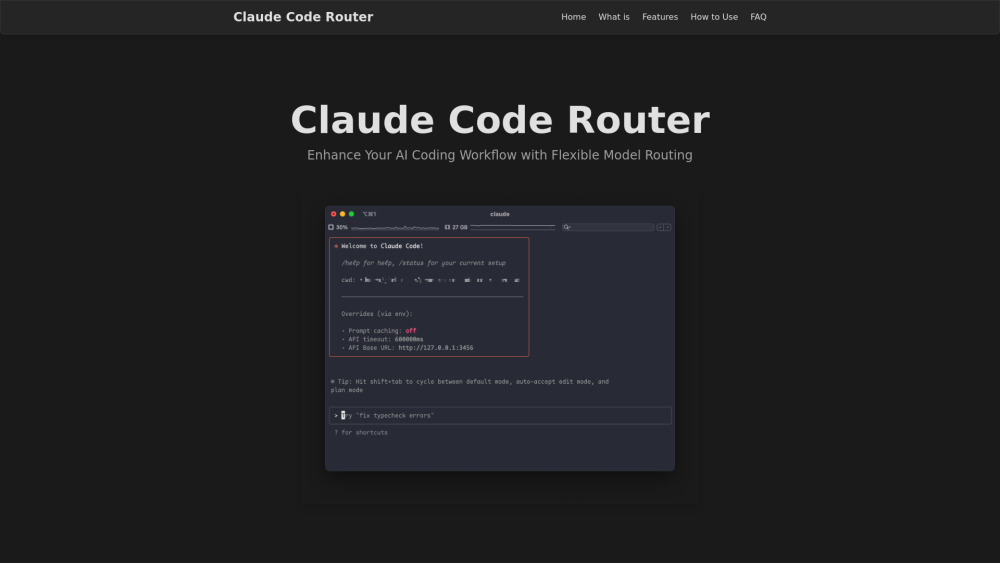
What is Claude Code Router?
Claude Code Router is an open-source Node.js command-line interface (CLI) tool that extends Anthropic's Claude Code CLI. It serves as a foundation for coding infrastructure, enabling users to route AI coding requests to various large language models (LLMs) from different providers such as OpenRouter, DeepSeek, Ollama, Google Gemini, and Volcengine. This tool offers enhanced flexibility and customization for AI coding workflows, allowing users to tailor coding assistance to specific needs, optimize for different tasks (e.g., background processing, high-reasoning, long contexts), and manage costs by selecting appropriate models. It builds upon Anthropic's official tools, offering additional customization options and dynamic model switching.
How to use Claude Code Router?
To use Claude Code Router, first ensure Node.js and npm are installed. Then, install Anthropic’s Claude Code CLI by running `npm install -g @anthropic-ai/claude-code`. Next, install the router itself with `npm install -g @musistudio/claude-code-router`, which adds the `ccr` command. Launch the router by running `ccr code`. Users can optionally configure routing rules and providers by creating or editing the `~/.claude-code-router/config.json` file. This configuration allows defining API keys, base URLs, available models, and specific roles for models (e.g., default, background, think, longContext). Once set up, users interact with Claude Code as normal, and the router intercepts and forwards requests based on the configuration. Models can also be switched dynamically at runtime using the `/model provider,model` command.