
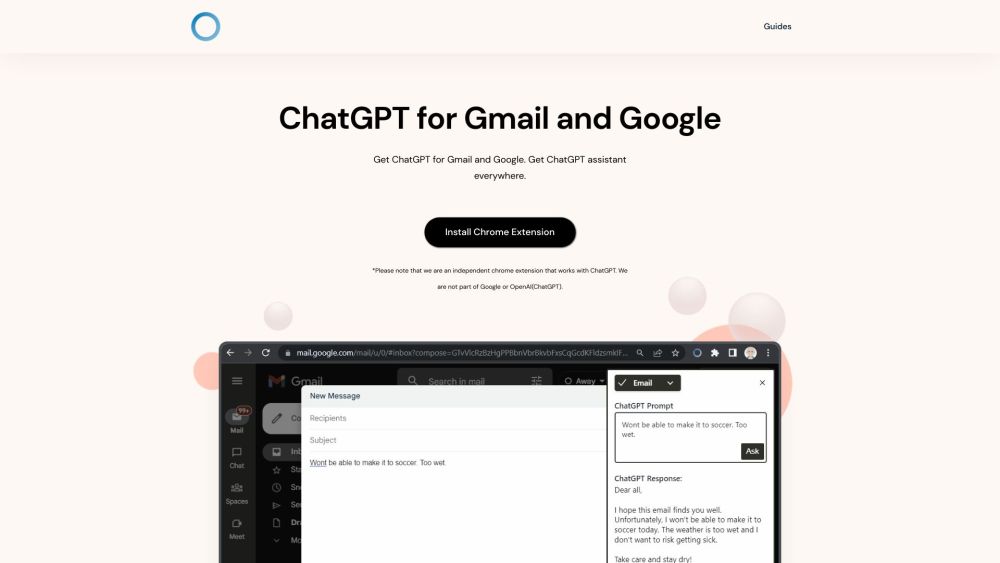
What is ChatGPT for Gmail and Google?
ChatGPT for Gmail and Google is a Chrome extension that brings the intelligence of ChatGPT to your Google and Gmail experience. It allows you to access the ChatGPT language model, enabling you to get instant responses and accurate information from a vast knowledge database.
How to use ChatGPT for Gmail and Google?
1. Download and install the ChatGPT Everywhere Chrome extension. 2. Go to Google or click on the extension icon located at the top right of your browser. 3. Type your question or query to ChatGPT, and receive the response. 4. For a more immersive experience, open the sidebar by clicking on the extension button and access ChatGPT's full potential on any web page.