
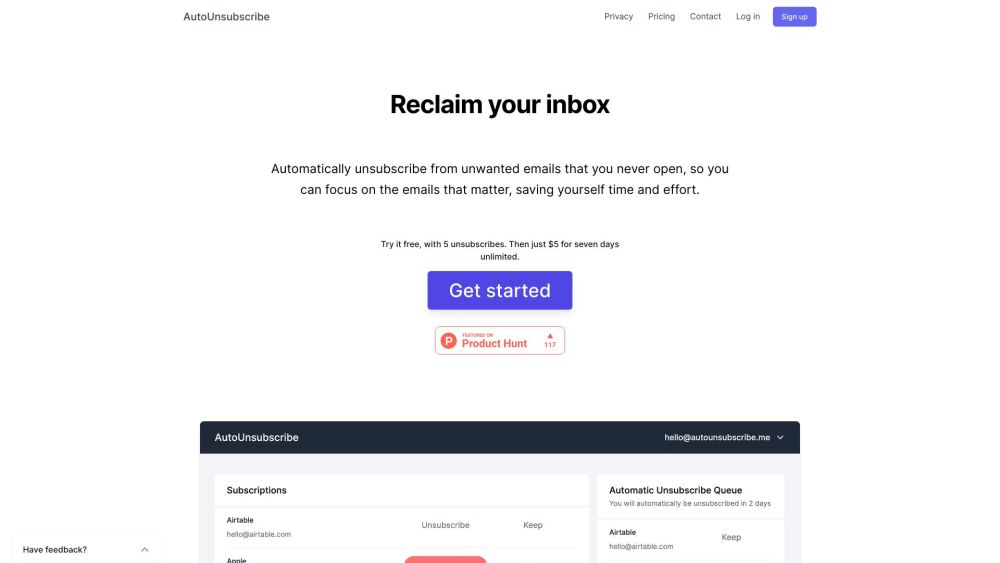
What is AutoUnsubscribe?
AutoUnsubscribe is a service that automatically unsubscribes you from unwanted emails that you never open, allowing you to focus on important emails and saving you time and effort.
How to use AutoUnsubscribe?
To use AutoUnsubscribe, simply connect your email account (compatible with most popular email services) using your email provider's IMAP settings. Once connected, AutoUnsubscribe will monitor your inbox and flag subscriptions that reach an unread threshold for automatic unsubscribing. You will receive an email notification with the list of flagged emails and the option to add any subscriptions to your Keep List before AutoUnsubscribe unsubscribes from them automatically.