
AI Directory : AI Assistant, AI Bypasser, AI Copilot, AI Interview Assistant, Undetectable AI
What is Augment 1x?
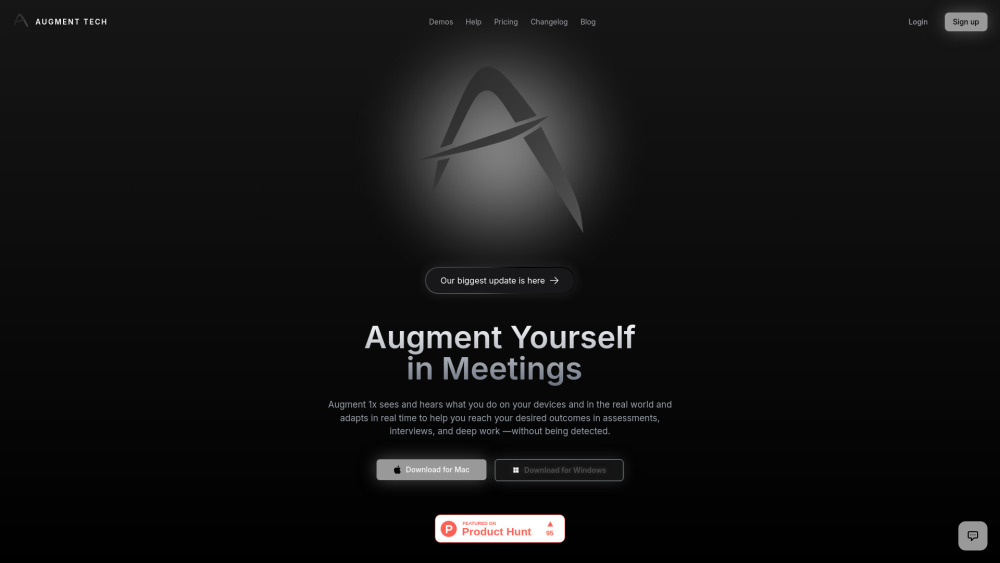
Augment 1x is an invisible AI companion that helps users reach their desired outcomes in assessments, interviews, social moments, self-improvement, and deep work. It proactively assists before being asked by seeing and hearing what users do on their devices and in the real world, adapting in real time without being detected. It provides timely, context-aware suggestions when moments matter, tracks long-term goals, measures progress, and surfaces personalized insights for continuous improvement. All processing is end-to-end encrypted, and users control what the AI can see or hear. It also aims to remove language and accessibility barriers.
How to use Augment 1x?
To use Augment 1x, first subscribe and create an account. For 'Problem Mode', use ⌘ + H to capture screenshots of your problem. Then, press ⌘ + ⏎ to generate an initial solution with detailed explanations. For 'Realtime Mode', choose this option and press ⌘ + ⏎ for time-sensitive help, where Augment 1x will understand the context from overall audio and/or screen. Additional commands include ⌘ B to hide/show the window, ⌘ ↑↓←→ to move the window, ⌘ R to reset, and ⌘ Q to quit the application.
Augment 1x's Core Features
Invisible and undetectable AI assistance
Real-time, context-aware suggestions
Goal tracking and personalized insights
End-to-end encrypted data processing
Language and accessibility barrier removal
Undetectability during screen sharing, webcam monitoring, and screen recording
Solution reasoning with step-by-step explanations and code comments
Active tab detection
Problem Mode for screenshot-based solutions
Realtime Mode for audio/screen context-based solutions
Augment 1x's Use Cases
Crushing interviews
Being the smartest in the room
Acing every assessment
Assistance in social moments
Support for self-improvement
Aid in deep work sessions
Generating detailed answers for complex problems
FAQ from Augment 1x
Is Augment 1x free?
How is Augment 1x undetectable?
I'm experiencing a bug, what should I do?
Augment 1x Reddit
Here is the Augment 1x Reddit: https://www.reddit.com/r/augment_tech/
Augment 1x Support Email & Customer service contact & Refund contact etc.
More Contact, visit the contact us page(https://www.augmentme.tech/help?section=contact)
Augment 1x Company
Augment 1x Company name: Augment Tech .
Augment 1x Login
Augment 1x Login Link: https://www.augmentme.tech/signin
Augment 1x Sign up
Augment 1x Sign up Link: https://www.augmentme.tech/signup
Augment 1x Youtube
Augment 1x Youtube Link: https://www.youtube.com/watch?v=zkp9od2t4vY
Augment 1x Tiktok
Augment 1x Tiktok Link: https://www.tiktok.com/@augment_tech
Augment 1x Twitter
Augment 1x Twitter Link: https://x.com/augmentme_tech
Augment 1x Reddit
Augment 1x Reddit Link: https://www.reddit.com/r/augment_tech/
FAQ from Augment 1x
What is Augment 1x?
Augment 1x is an invisible AI companion that helps users reach their desired outcomes in assessments, interviews, social moments, self-improvement, and deep work. It proactively assists before being asked by seeing and hearing what users do on their devices and in the real world, adapting in real time without being detected. It provides timely, context-aware suggestions when moments matter, tracks long-term goals, measures progress, and surfaces personalized insights for continuous improvement. All processing is end-to-end encrypted, and users control what the AI can see or hear. It also aims to remove language and accessibility barriers.
How to use Augment 1x?
To use Augment 1x, first subscribe and create an account. For 'Problem Mode', use ⌘ + H to capture screenshots of your problem. Then, press ⌘ + ⏎ to generate an initial solution with detailed explanations. For 'Realtime Mode', choose this option and press ⌘ + ⏎ for time-sensitive help, where Augment 1x will understand the context from overall audio and/or screen. Additional commands include ⌘ B to hide/show the window, ⌘ ↑↓←→ to move the window, ⌘ R to reset, and ⌘ Q to quit the application.
Is Augment 1x free?
Yes, Augment 1x offers a free tier that includes 3 free Interview/Exam credits and a 5-minute Realtime mode trial, allowing users to evaluate its features.
How is Augment 1x undetectable?
Augment 1x is designed to be completely invisible during screen sharing and to all screen-recording software. For webcam monitoring, you can move its window to overlay on top of your code editor. It also features active tab detection.
I'm experiencing a bug, what should I do?
If you are experiencing a bug, you should visit their help center for detailed guides and support.